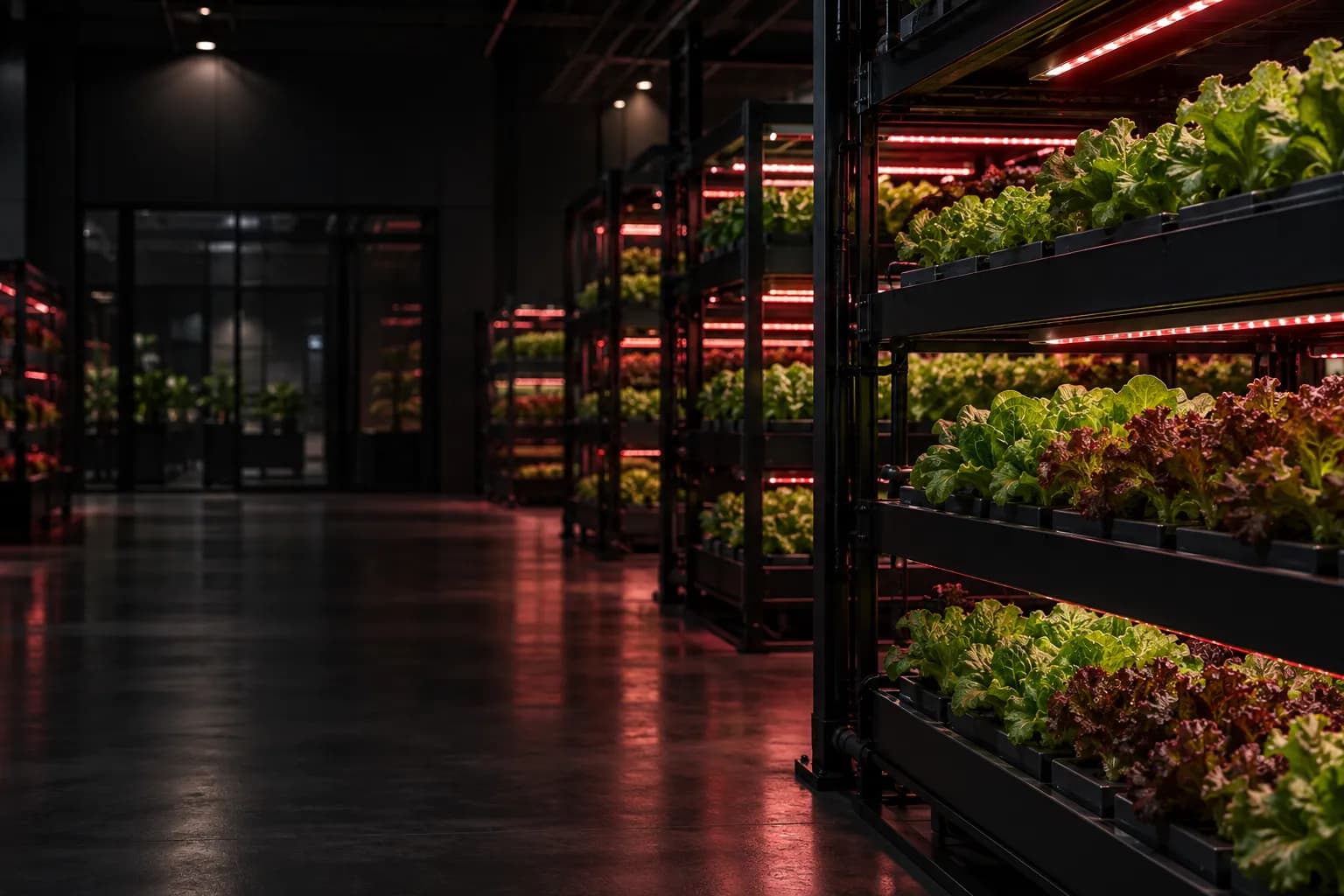

Meet Nugget.
Clearer next steps.
Your farm records, turned into clearer next steps.
Review water readings, find upcoming work, and make sense of your batches and supplies—with an AI assistant inside your farm workspace.
Start with lettuce workflows. For other crops, keep crop, growth stage and system context explicit.

A conversation with Nugget
Illustrative example · sample farm data
Fixed examples. No farm connection or AI credits used.
A little clarity.
Throughout your day.
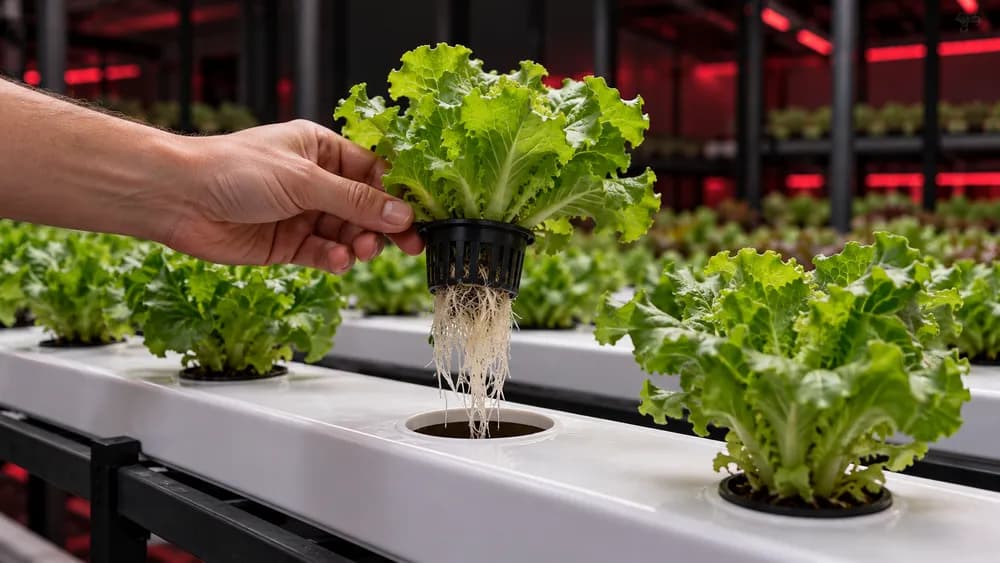
Morning
Know where to look
Review your latest recorded water readings and outstanding tasks before heading to the farm.
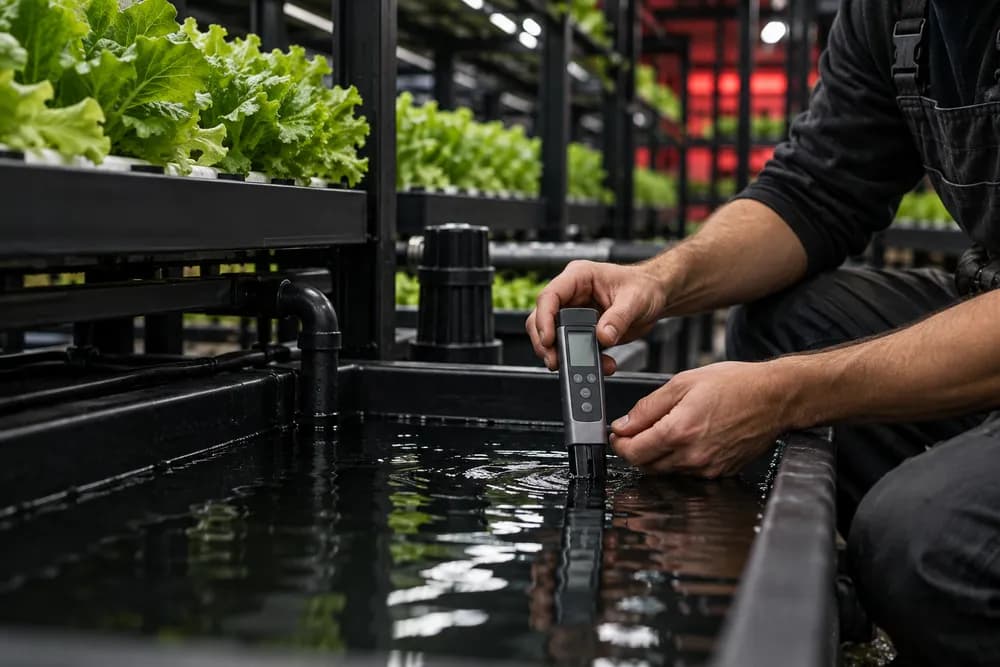
At the farm
Measure, then review
Take fresh readings. On eligible plans, ask Nugget to prepare a supported record update, then review and approve it.
Weekly review
Prepare for what’s next
Look up expected harvest dates and recorded supplies to inform your next farm visit.
Useful questions.
Grounded answers.
Nugget helps you work with the records you have, and makes missing evidence part of the conversation.

Review recorded water
Compare dated pH, EC and water-temperature readings, and identify what needs measuring next.
Find batches and harvest dates
Look up batch stages and expected harvest dates from your records.
Check supplies and tasks
Review recorded stock, low-stock flags and the tasks already in your workspace.
Understand farm figures
Ask for explanations grounded in recorded purchases and harvest sales. These records do not establish your bank balance or complete batch profitability.
Prepare supported updates
Eligible plans · your approval required
Review proposed water logs, batch entries and other supported record changes before saving. Actions follow your plan and permissions.
A deeper diagnostic assistant.
Planned diagnostic capabilities
The ambition is a more complete investigation, starting with lettuce. These capabilities are planned and are not available as dedicated, validated diagnostic workflows.
Plant and root observations
Bring symptoms, photos and batch history into an evidence-based review.
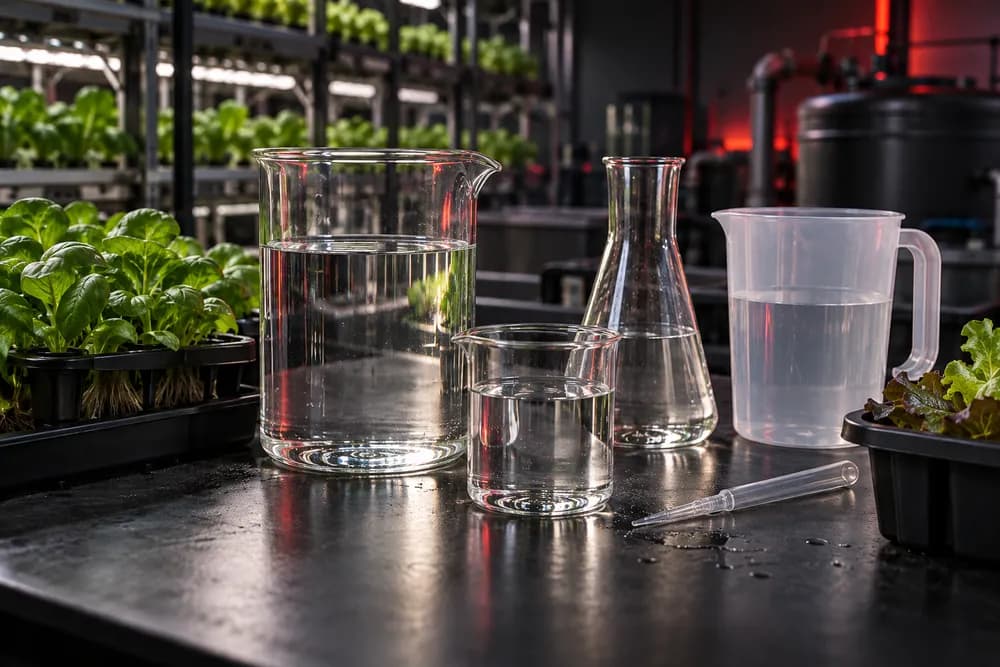
Nutrient calculations
Check quantities against reservoir volume and verified product composition.
Farming-system checks
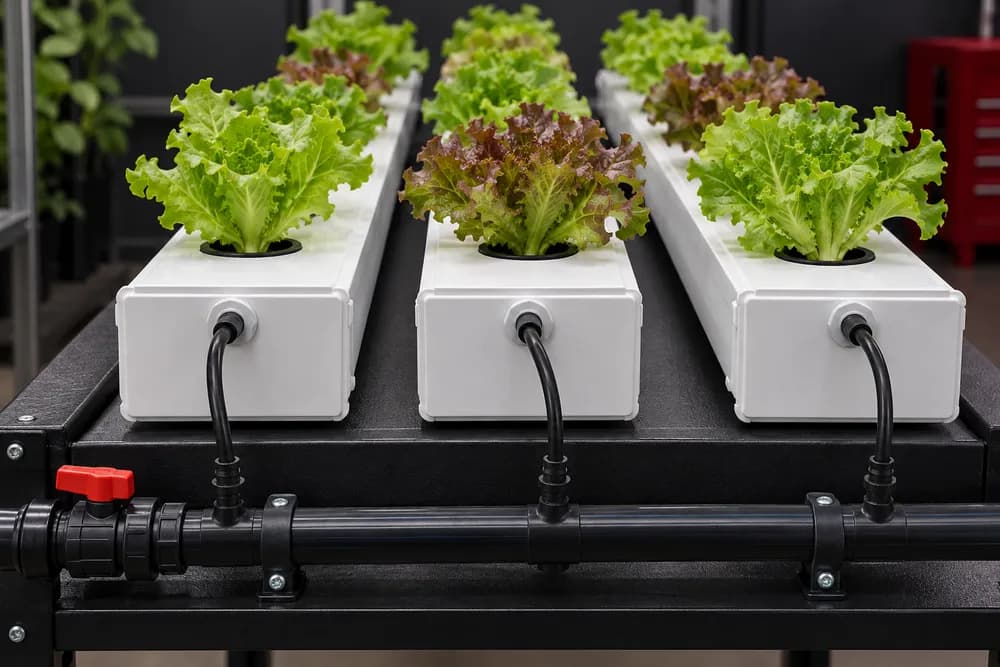
Investigate measured flow, aeration and equipment observations in context.
Follow-up tracking
Compare later measurements with earlier observations and actions.
You stay
in control.
Your data, your account
Nugget works with farm records your account is permitted to access.
Review and approve
Supported changes require your review and approval. Recorded information has a timestamp; old readings or missing evidence may call for a fresh measurement.
Assistance, not a diagnosis
AI assistance can help you investigate; it cannot guarantee a diagnosis, harvest result or profit.
Before you ask Nugget.
AI assistance uses credits. Your task, plan allowance and available balance affect usage. See current plans and allowances.
Does Nugget read live sensors?
These examples use recorded readings. A saved water log describes conditions at the time it was measured; it does not establish what is happening in your reservoir right now.
Can I send a plant photo for diagnosis?
Nugget chat is currently text-only. Dedicated plant and root photo assessment is planned. Receipt and product-image extraction is a separate workflow.
Can Nugget change my records?
On eligible paid plans, Nugget can prepare supported changes for your review. You must approve before they are saved. Available actions depend on your plan and permissions; some changes require Commercial.
How are AI credits used?
Usage depends on the task, your plan allowance and available credits. The fixed examples on this page use no credits. See pricing for current allowances and credit options.
How can I get access?
Use the signup or waitlist link on this page. Availability follows the current registration setting, and capabilities depend on your plan and permissions.

Make your records
more useful.
Bring your questions to a workspace built around your farm.